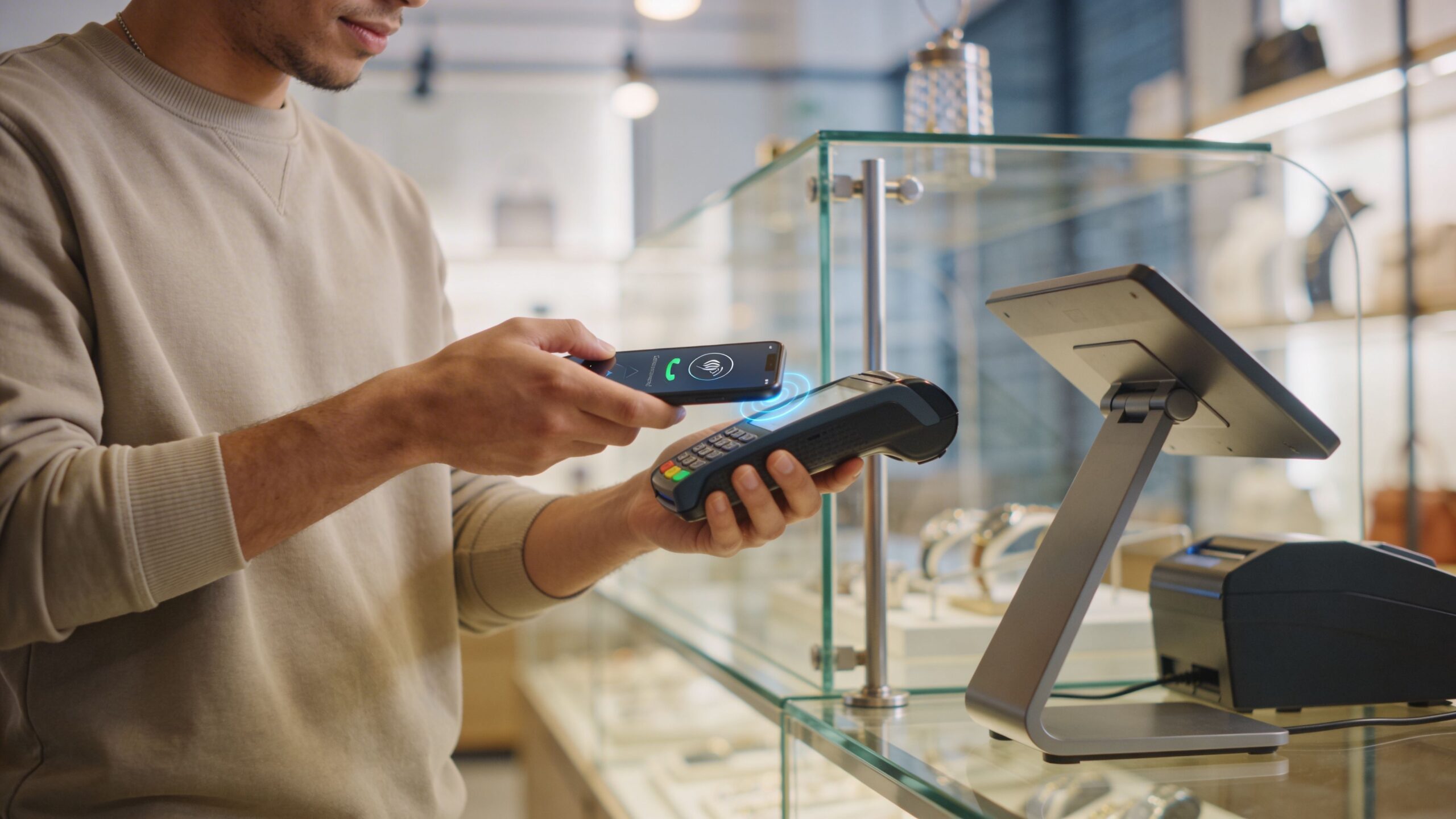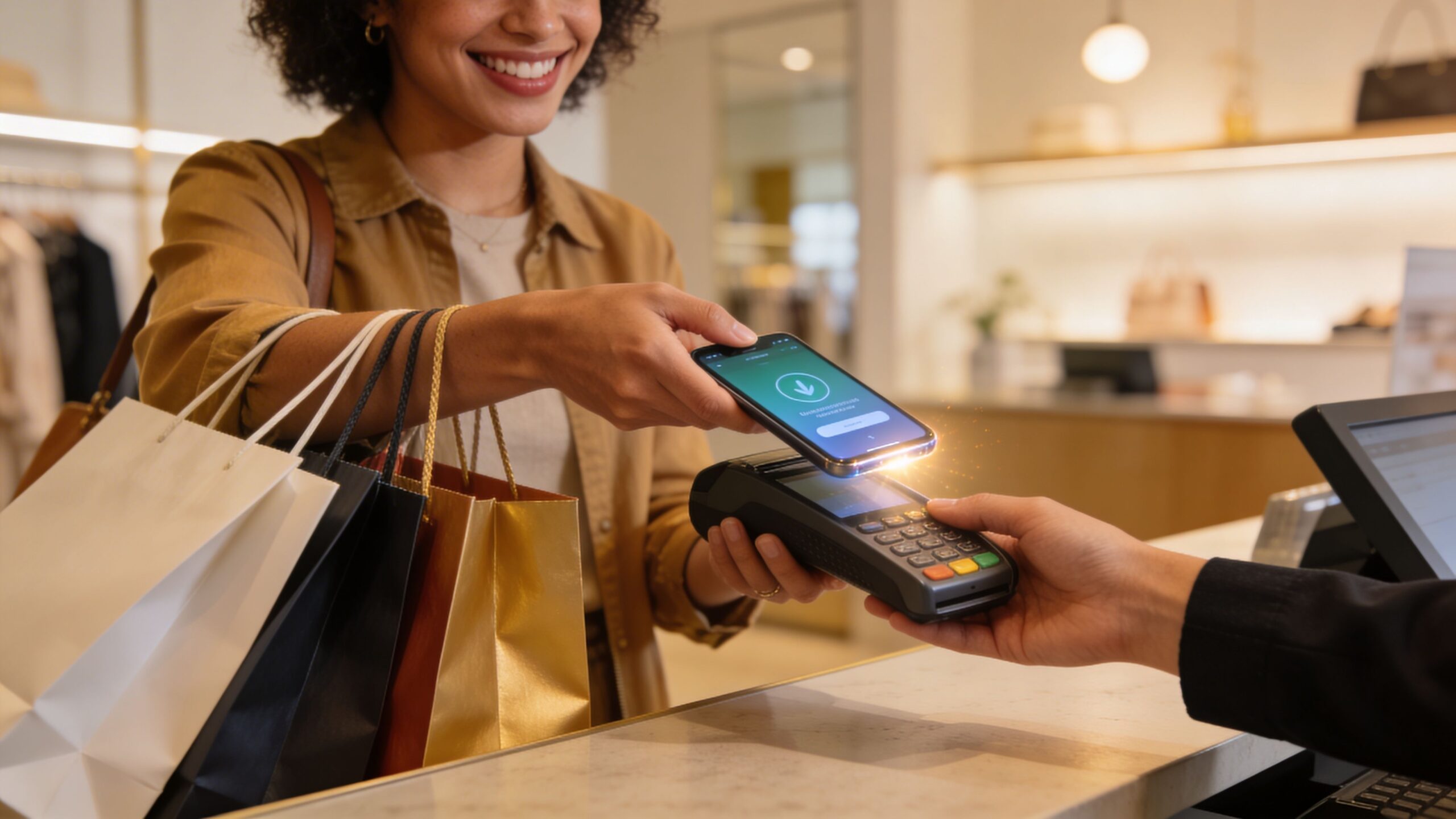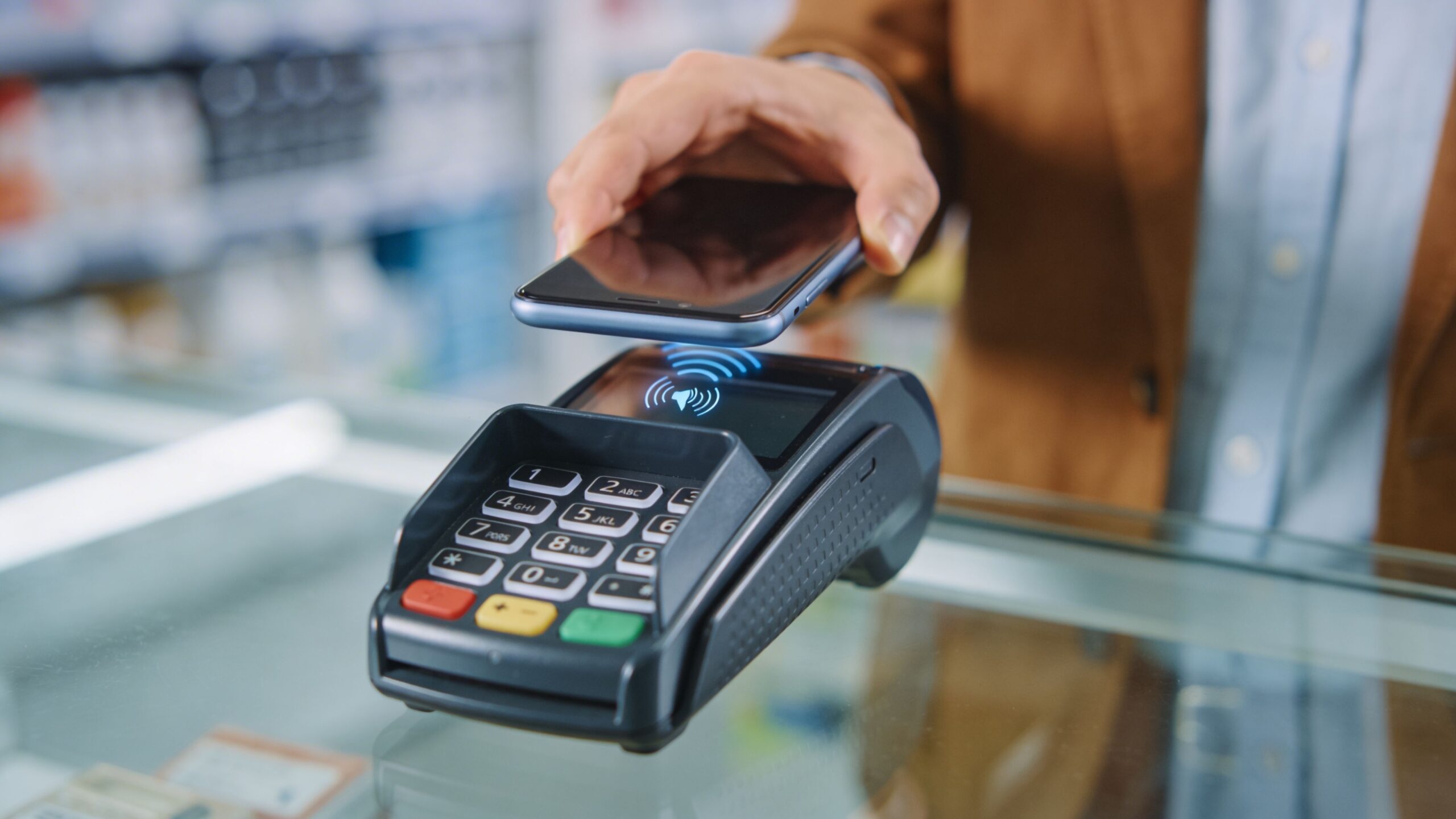
The way we pay for everyday items has evolved rapidly, and by 2026, contactless payments are no longer a futuristic concept—they are a global standard. At the center of this transformation is Google Pay, a powerful digital wallet that allows users to make fast, secure, and effortless payments with nothing more than a smartphone. Whether you are buying coffee, hopping on public transit, or checking out at a retail store, Google Pay turns your device into a seamless payment tool. For many people, the idea of tapping a phone instead of using cash or cards still feels new. But once you understand how it works, it becomes one of the easiest and most convenient ways to pay. This guide walks you through everything you need to know about using Google Pay for contactless payments anywhere, helping you move confidently into a cashless lifestyle.
A: Yes, but in many places the tap-to-pay feature is handled through Google Wallet on Android devices.
A: You usually need NFC, Android 9 or higher, a screen lock, and a supported card from a participating bank.
A: Not always for every purchase, but you do typically need connectivity for setup, updates, and some verification steps.
A: Common reasons include NFC being off, the phone not being unlocked recently, issuer problems, or a terminal that does not support contactless payments.
A: You can use it at many places that accept contactless payments, but not literally everywhere since support varies by merchant and country.
A: Yes, most users can add multiple supported cards and choose a default one for faster checkout.
A: Yes, it is generally considered secure when your phone has proper screen lock and your account and bank alerts are set up well.
A: You may lose access to mobile wallet payments until the device powers back on, so a backup card is a smart idea.
A: Yes, on supported Wear OS devices with eligible cards and the right Wallet setup.
A: Add one card, enable NFC and screen lock, unlock your phone at checkout, and test it with a small purchase first.
Understanding Contactless Payments and How They Work
Contactless payments rely on a technology called near-field communication, often referred to as NFC. This allows your smartphone to communicate wirelessly with payment terminals when they are placed close together. Instead of inserting a card or swiping, you simply hold your phone near the terminal, and the transaction is completed in seconds.
Google Pay uses this technology to securely transmit payment information without exposing your actual card details. Behind the scenes, the platform uses tokenization, which replaces your real card number with a unique digital token. This ensures that even if transaction data is intercepted, it cannot be used for fraudulent purposes.
The entire process is designed to be quick and intuitive. Once your device is set up, making a payment becomes as simple as unlocking your phone and tapping it against a compatible terminal. The speed and ease of this method are what make contactless payments so appealing in today’s fast-paced world.
Getting Your Device Ready for Contactless Payments
Before you can start using Google Pay for contactless transactions, you need to make sure your device is properly configured. Most modern Android smartphones support NFC, but it is important to confirm that the feature is enabled in your settings.
Once NFC is active, the next step is ensuring that Google Pay is set as your default payment app. This allows your phone to automatically use Google Pay when you tap it at a payment terminal. Without this step, your device may not recognize the transaction request.
Security is also a key requirement. Google Pay requires your device to have a screen lock enabled, such as a PIN, pattern, fingerprint, or facial recognition. This ensures that only you can authorize payments, adding an essential layer of protection.
After completing these steps, your device is fully prepared for contactless payments. From that point on, you can use Google Pay almost anywhere that supports tap-to-pay technology.
Making Your First Tap-to-Pay Transaction
Using Google Pay for the first time is a simple and surprisingly satisfying experience. When you arrive at a checkout terminal that supports contactless payments, you will typically see a symbol indicating that tap-to-pay is accepted.
To complete a transaction, start by unlocking your phone. This step verifies your identity and prepares the device for payment. Next, hold your phone close to the payment terminal. You do not need to open the app manually in most cases, as Google Pay activates automatically when it detects the terminal.
Within seconds, you will feel a vibration or see a confirmation on your screen indicating that the payment was successful. The process is faster than swiping a card and eliminates the need to handle cash or physical payment methods.
As you become more familiar with the process, it becomes second nature. The simplicity and speed of tap-to-pay are what make it one of the most convenient payment methods available today.
Where You Can Use Google Pay Around the World
One of the biggest advantages of Google Pay is its widespread acceptance. In 2026, contactless payment infrastructure has expanded significantly, making it easier than ever to use Google Pay in a variety of settings.
Retail stores are among the most common places where Google Pay is accepted. From grocery stores to clothing shops, many businesses now support tap-to-pay terminals. Restaurants and cafes also frequently offer contactless options, allowing you to pay quickly without waiting for a card reader.
Public transportation systems in many cities have integrated contactless payments, enabling you to tap your phone to pay for rides. This eliminates the need for physical tickets or transit cards, streamlining your commute.
Google Pay is also widely supported for online purchases and in-app transactions. While these are not contactless in the traditional sense, they offer the same level of convenience by allowing you to complete payments with minimal effort.
As adoption continues to grow, it is becoming increasingly rare to encounter places that do not accept contactless payments. This makes Google Pay a reliable option for both everyday use and travel.
Tips for Faster and Smoother Payments
While Google Pay is designed to be easy to use, a few simple habits can make your experience even smoother. Positioning your phone correctly is one of the most important factors. Holding it too far from the terminal or moving it too quickly can sometimes delay the transaction.
Keeping your device unlocked before tapping can also speed up the process. While some transactions may work with a locked screen, unlocking your phone ensures a seamless experience and avoids any interruptions.
It is also helpful to set a default payment method if you use multiple cards. This prevents the need to manually select a card during checkout, saving time and reducing friction.
Maintaining a charged battery is another practical consideration. Since Google Pay relies on your device, ensuring that your phone has enough power is essential for uninterrupted use.
By following these simple tips, you can make every transaction quick, efficient, and stress-free.
Security You Can Trust in Every Transaction
Security is a top priority for Google Pay, and the platform incorporates multiple layers of protection to keep your information safe. Every transaction is encrypted, ensuring that your data is protected during transmission.
Tokenization adds another level of security by replacing your actual card number with a unique digital identifier. This means that merchants never see your real card details, reducing the risk of fraud.
Biometric authentication further enhances security by requiring your fingerprint or facial recognition to authorize payments. This ensures that even if your phone is lost or stolen, unauthorized users cannot easily access your account.
Google Pay also provides real-time notifications for every transaction, allowing you to monitor your activity and quickly identify any unusual behavior. These features work together to create a secure environment that gives users confidence in every payment.
Expanding Your Payment Experience Beyond the Checkout
While contactless payments are the primary focus, Google Pay offers a range of additional features that enhance its value. The app can store loyalty cards, transit passes, and event tickets, turning your phone into a comprehensive digital wallet.
You can also use Google Pay to send money to friends and family, making it easy to split expenses or handle everyday financial interactions. This versatility extends the usefulness of the platform beyond simple purchases.
Integration with other Google services adds another layer of convenience. For example, Google Pay can work with Google Maps to highlight businesses that accept contactless payments, or with Gmail to organize receipts and transaction details.
These features create a connected ecosystem that simplifies multiple aspects of your daily life, making Google Pay more than just a payment tool.
Step Into a Faster, Smarter Way to Pay
Contactless payments are no longer just a convenience—they are a defining feature of modern financial life. Google Pay stands at the forefront of this shift, offering a fast, secure, and widely accepted way to handle transactions. By understanding how to set up your device, complete payments, and take advantage of its features, you can fully embrace the benefits of a digital wallet. The transition from cash and cards to contactless payments is not just about speed; it is about creating a more seamless and efficient way to interact with money. As technology continues to evolve, Google Pay will only become more powerful and integrated into everyday experiences. For anyone looking to simplify their financial routine and stay ahead in a rapidly changing world, learning how to use Google Pay for contactless payments is a step toward a smarter and more connected future.