

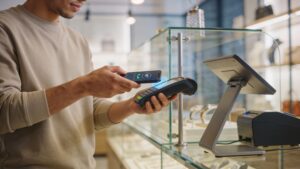
What Is Google Pay? A Complete Beginner’s Guide
Curious about how Google Pay works and whether it’s worth using in 2026? This beginner-friendly guide breaks down everything you need to know—from setup and features to security and real-world uses—so you can confidently start using Google Pay for everyday purchases, online shopping, and sending money with ease.

How to Set Up Google Pay in Minutes (Step-by-Step Guide)
Want to start using Google Pay but not sure where to begin? This step-by-step guide shows you exactly how to set it up in minutes, from adding your cards to enabling contactless payments. Discover how to use Google Pay confidently for everyday purchases, online shopping, and sending money with ease in 2026.

Is Google Pay Safe? Security Features Explained
Wondering if Google Pay is safe to use in 2026? This guide explains its powerful security features, including encryption, tokenization, and biometric protection, so you can understand how your money and data stay protected. Discover why Google Pay is considered one of the safest ways to pay today.
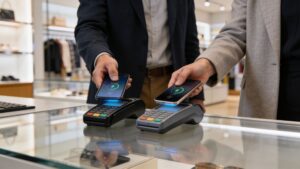
Google Pay vs Apple Pay: Which Mobile Wallet Wins in 2026?
Trying to choose between Google Pay and Apple Pay in 2026? This in-depth guide compares their features, security, usability, and real-world performance so you can decide which mobile wallet fits your lifestyle. Discover the key differences and find out which one truly comes out on top.
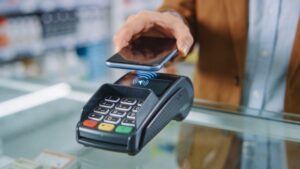
How to Use Google Pay for Contactless Payments Anywhere
Ready to start using Google Pay for contactless payments? This guide shows you how to tap and pay anywhere with ease, from setup to real-world use. Learn how to make fast, secure transactions in stores, transit systems, and more while enjoying the convenience of a fully digital wallet in 2026.
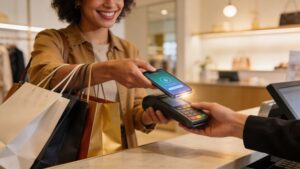
Google Pay Rewards and Cash Back: How to Maximize Every Purchase
Want to earn more with every purchase? This guide shows you how Google Pay rewards and cashback work and how to maximize them in 2026. Discover smart strategies like stacking offers, using personalized deals, and tracking rewards so you can turn everyday spending into real savings over time.