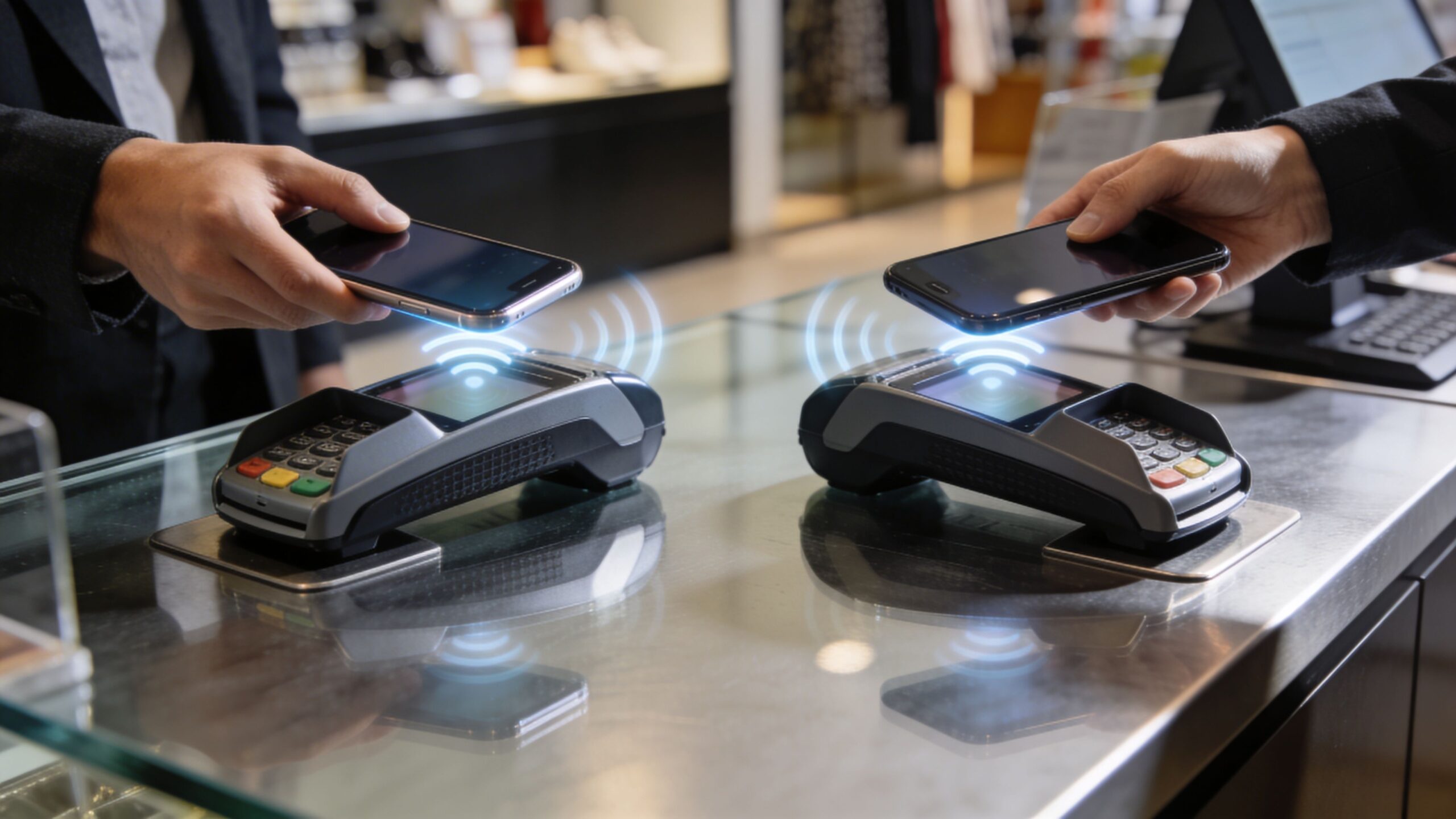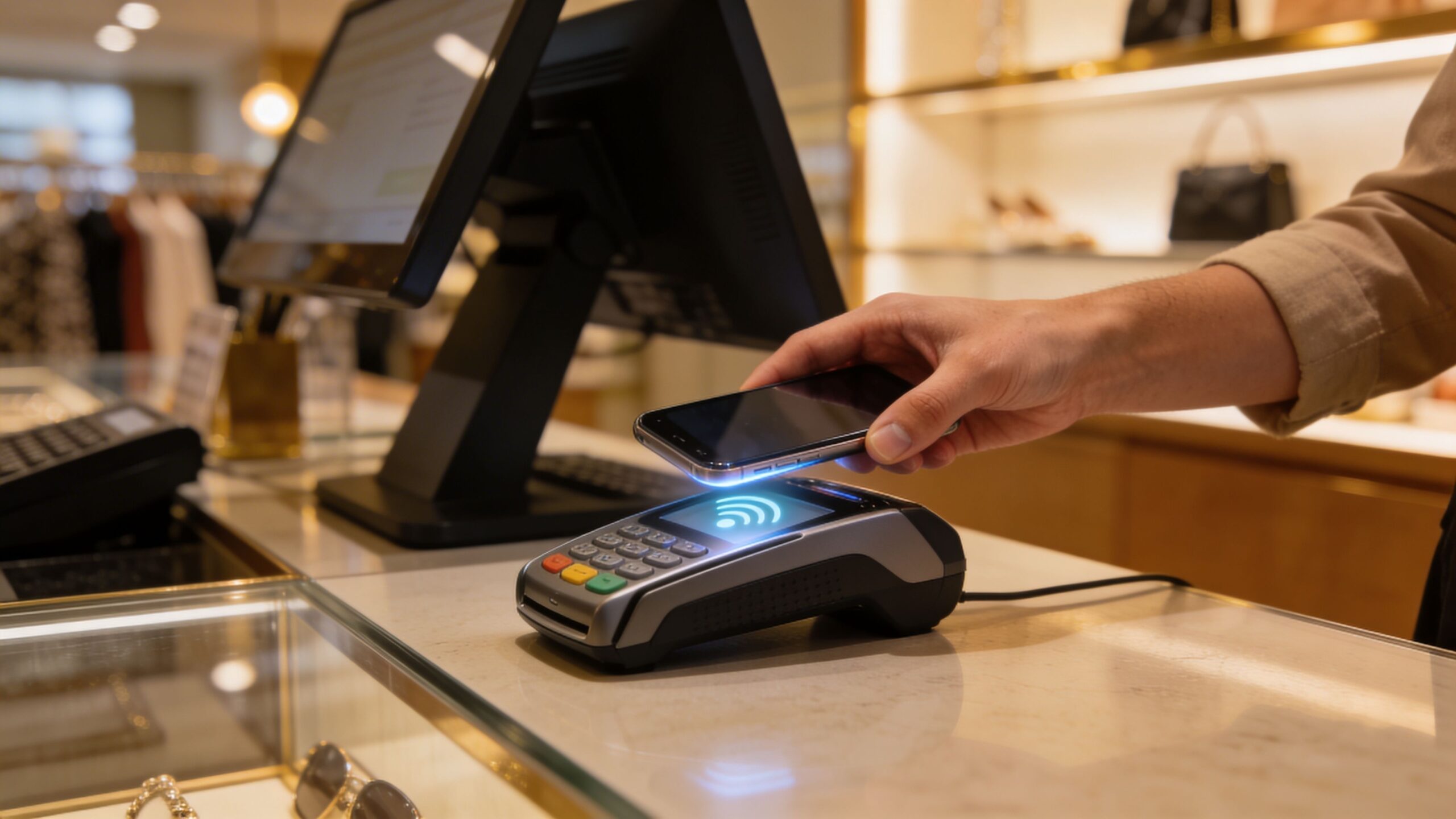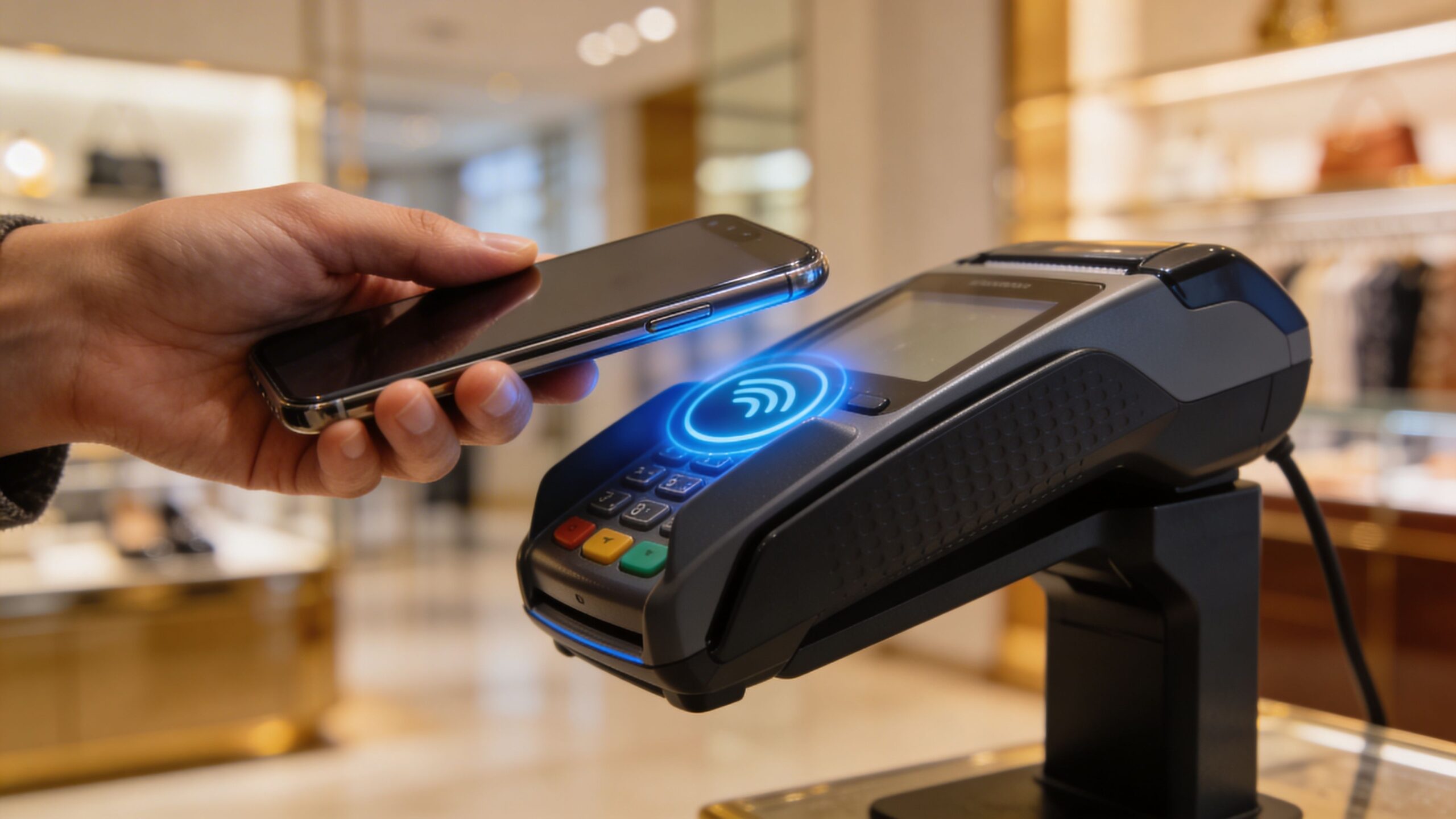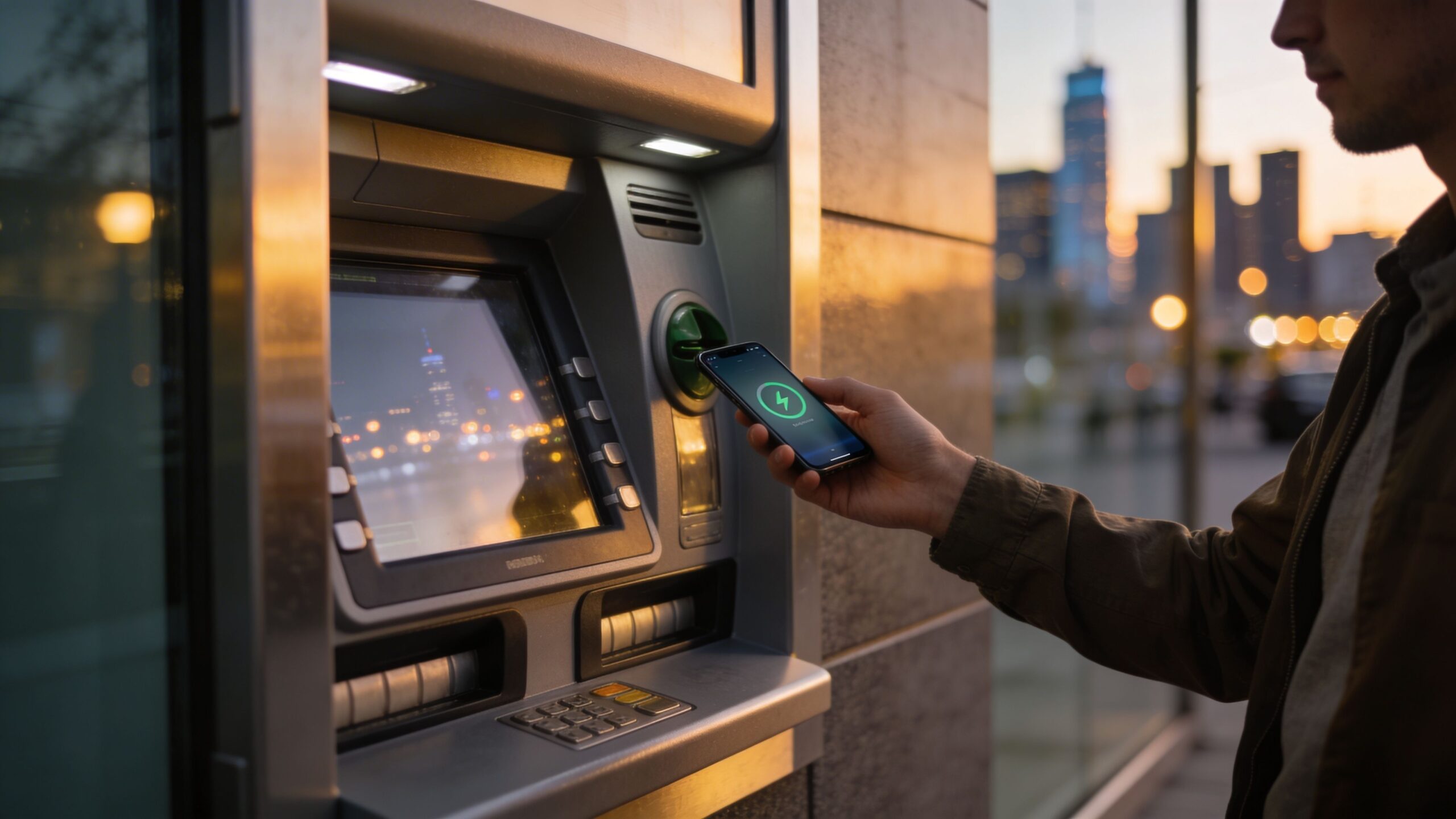
In a world where smartphones have replaced wallets for many everyday transactions, it’s only natural to wonder whether that same convenience extends to cash withdrawals. As digital wallets continue to reshape how people interact with money, one question keeps surfacing: can you actually use Apple Pay at ATMs? The idea feels intuitive. If you can tap your phone to pay for groceries, coffee, and even public transportation, why not withdraw cash the same way? The answer is both promising and nuanced. While Apple Pay has expanded the boundaries of contactless payments, its integration with ATMs depends on a mix of technology, banking partnerships, and machine capabilities. Understanding what works—and what doesn’t—requires a closer look at how the system operates behind the scenes.
A: No. The ATM needs contactless support, and your bank or debit card must also be compatible.
A: Usually yes. Debit cards are the normal option for ATM cash withdrawals through Apple Wallet.
A: Generally no for normal cash access, because Apple Card is a credit card, not a standard ATM debit card.
A: Not in the typical way people use bank debit cards at ATMs, so it is not the main option for cash withdrawals.
A: In many cases yes. The ATM may require your debit PIN even after your device authenticates.
A: Usually no separate Apple Pay fee, but bank fees and ATM surcharges can still apply.
A: The ATM may not support contactless withdrawals, or your bank may not allow that setup on that machine.
A: It can reduce exposure to card skimming because you are not swiping or inserting the physical card.
A: Yes. A physical backup is useful if the ATM reader fails or the machine does not support your mobile wallet.
A: Use a supported debit card, visit a compatible ATM from your own bank, and have your PIN ready.
How Apple Pay Connects to Your Bank Account
At its core, Apple Pay is not a bank account itself. Instead, it acts as a secure bridge between your device and the cards stored in your digital wallet. When you add a debit or credit card to Apple Pay, your device generates a unique token that represents that card. This token is what gets transmitted during transactions, keeping your actual card details hidden.
When it comes to ATMs, the same principle applies. If your debit card is linked to Apple Pay, the ATM must be able to recognize and communicate with that tokenized version of your card. This is where compatibility becomes crucial. Traditional ATMs that rely solely on card insertion and magnetic stripes cannot interact with Apple Pay at all. However, newer machines equipped with near-field communication technology can detect your device when you hold it near the contactless symbol.
Even then, the process isn’t entirely identical to tapping at a store. ATMs often require additional authentication steps, such as entering a PIN, to ensure that the transaction is authorized. Apple Pay complements this with biometric verification on your device, creating a layered approach to security.
The Rise of Contactless ATMs
Contactless ATMs have been gradually introduced across the banking landscape, especially in urban areas and high-traffic locations. These machines are designed to accept digital wallets, allowing users to initiate transactions without inserting a physical card. Instead, you simply tap your phone or smartwatch against the reader.
Major banks have led the charge in deploying these machines, recognizing the demand for faster and more hygienic transaction methods. In many cases, the experience mirrors the simplicity of in-store payments. You hold your device near the ATM, authenticate using Face ID or Touch ID, and proceed with your transaction as usual.
However, availability remains inconsistent. Not all ATMs support contactless functionality, and even among those that do, not all are configured to work with Apple Pay. Some machines may support contactless cards but not digital wallets, depending on the software and network integration.
For users, this means that while the technology exists, it’s not yet universal. Finding a compatible ATM often depends on your bank and location.
Where Apple Pay Works at ATMs Today
The ability to use Apple Pay at ATMs is largely determined by your bank’s infrastructure and partnerships. Financial institutions that have invested in contactless ATM technology are more likely to support Apple Pay withdrawals.
Banks like Bank of America and Chase have rolled out contactless ATMs in many regions, allowing customers to use their smartphones instead of physical cards. These machines typically display a contactless symbol, indicating compatibility with digital wallets.
In these environments, the process is straightforward. You open your Wallet app, select your debit card, and hold your device near the reader. After authenticating, you can choose your transaction, such as withdrawing cash or checking your balance.
Despite these advancements, it’s important to note that not all banks support Apple Pay at ATMs, even if they offer Apple Pay for purchases. The feature requires specific hardware and software upgrades that some institutions have yet to implement.
The Limitations You Need to Know
While the concept of using Apple Pay at ATMs is appealing, several limitations can affect the experience. The most significant barrier is compatibility. Many ATMs still rely on older technology that does not support contactless interactions. In these cases, a physical card is still required.
Another limitation is geographic availability. Contactless ATMs are more common in major cities and developed markets, but they may be scarce in rural areas or smaller towns. This uneven distribution can make it difficult to rely solely on Apple Pay for cash access.
There are also restrictions related to the type of card stored in your wallet. Apple Pay works best with debit cards for ATM transactions, as credit cards are generally not used for cash withdrawals due to fees and restrictions imposed by issuers.
Additionally, some ATMs may require you to start the transaction through a mobile banking app rather than initiating it directly at the machine. This adds an extra step that can vary depending on the bank’s system.
Security Advantages of Going Cardless
One of the most compelling reasons to use Apple Pay at ATMs is the added layer of security. Traditional card-based transactions are vulnerable to skimming devices, which can capture card information when inserted into compromised machines. By eliminating the need to insert a card, contactless ATMs reduce this risk significantly.
Apple Pay enhances this security with tokenization and biometric authentication. Even if someone were to intercept the communication between your device and the ATM, they would not gain access to your actual card details. The requirement for Face ID, Touch ID, or a passcode ensures that only you can authorize the transaction.
This combination of technologies creates a safer environment for withdrawing cash, especially in high-risk areas. It also aligns with broader trends in financial security, where minimizing physical contact points is becoming increasingly important.
Apple Pay vs Other Digital Wallets at ATMs
Apple Pay is not the only digital wallet exploring ATM integration. Platforms like Google Pay and Samsung Pay have also introduced features that enable contactless ATM access.
Each platform operates within its own ecosystem, and compatibility can vary depending on the device and bank. Samsung Pay, for example, has historically offered broader compatibility due to its ability to mimic magnetic stripe transactions, though this feature has become less prominent over time.
Google Pay functions similarly to Apple Pay, relying on NFC technology and bank partnerships. The overall experience across these platforms is comparable, with differences mainly in device compatibility and regional support.
For users, the choice often comes down to the device they own and the services supported by their bank. Regardless of the platform, the trend toward cardless ATM access is clear, signaling a shift in how financial transactions are conducted.
The Future of ATM Access in a Contactless World
As financial technology continues to evolve, the role of ATMs is also changing. While cash remains an important part of the global economy, the way people access it is becoming more digital. Contactless ATMs represent a step toward a future where physical cards are no longer necessary. Apple Pay is likely to play a significant role in this transition. As more banks upgrade their infrastructure and expand contactless capabilities, the availability of Apple Pay at ATMs will continue to grow. Advances in mobile banking apps may also streamline the process, allowing users to pre-stage transactions on their devices before approaching the machine. At the same time, the industry must address challenges related to accessibility and standardization. Ensuring that contactless ATMs are widely available and easy to use will be key to driving adoption. For now, the answer to whether you can use Apple Pay at ATMs is a qualified yes. It works in certain locations with compatible machines and supported banks, but it’s not yet a universal solution. As technology progresses, the gap between possibility and practicality will continue to narrow, bringing us closer to a fully contactless financial experience.